On-page editing
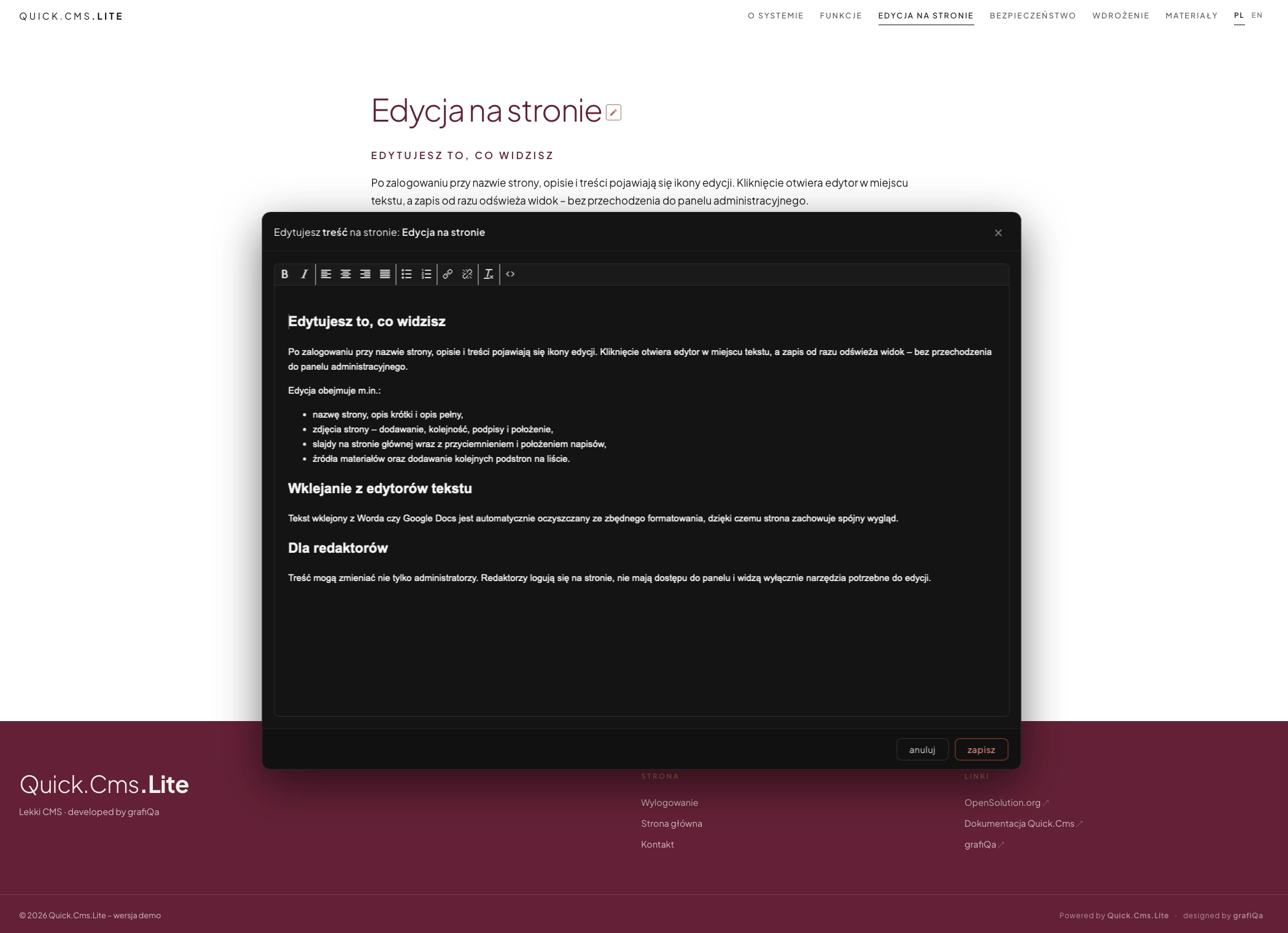
Edit what you see
After logging in, edit icons appear next to the page name, description and content. A click opens the editor in place, and saving refreshes the view immediately – without going to the admin panel.
Editing covers, among others:
- the page name, short description and full description,
- page images – adding, ordering, captions and position,
- home page slides including shading and caption position,
- material sources and adding further subpages to a list.
Pasting from word processors
Text pasted from Word or Google Docs is automatically cleaned of unnecessary formatting, so the site keeps a consistent look.
For editors
Content can be changed not only by administrators. Editors log in on the site, have no access to the panel and see only the tools needed for editing.